
Why Are Plastic Flakes Uneven in Size? Common Causes and Solutions
Uneven plastic flake size usually comes from a combination of cutting, screening, and feeding problems—not simply from choosing the wrong crusher. Dull rotor knives, incorrect knife clearance, a damaged screen, or an overloaded cutting chamber can all produce a mix of large pieces and fines.
The quickest way to fix the problem is to examine what the flakes look like, then trace the defect to the relevant machine component. This guide explains seven common causes, practical checks, and how to restore more consistent regrind without guessing at blade or screen settings.
What Does Uneven Plastic Flake Size Actually Mean?
A plastic recycling line does not necessarily need identical flakes. It needs a controlled particle-size distribution that works for the next process, whether that is washing, drying, conveying, or extrusion. The acceptable size range depends on the resin, equipment, and downstream specification.
A screen opening is a sizing control, not a promise that every discharged flake will be a perfect square of that dimension. Long, thin pieces may pass through an opening when oriented appropriately; brittle material may fracture into fines well below the nominal screen size.
Quick Diagnosis: Match the Flake Defect to the Likely Cause
| What you see in the output | Likely issue | First check |
|---|---|---|
| Oversized pieces mixed with normal flakes | Worn, torn, or incorrectly fitted screen | Screen holes, edges, fasteners, and discharge path |
| Long strips or ragged, stretched edges | Dull knives or excessive rotor-to-bed-knife clearance | Cutting edges and measured clearance |
| Too much powder or very fine material | Repeated recutting, brittle feed, or excessive speed | Screen restriction, material condition, and rotor settings |
| Output gets worse after a blade change | Knife alignment or installation error | Knife seating, parallelism, and OEM clearance settings |
| Quality varies from one batch to another | Uneven feed, mixed resin, or changing moisture | Feed consistency and sample records |
These are starting clues, not definitive diagnoses. Several faults can produce the same symptom, so verify the machine condition before changing settings.
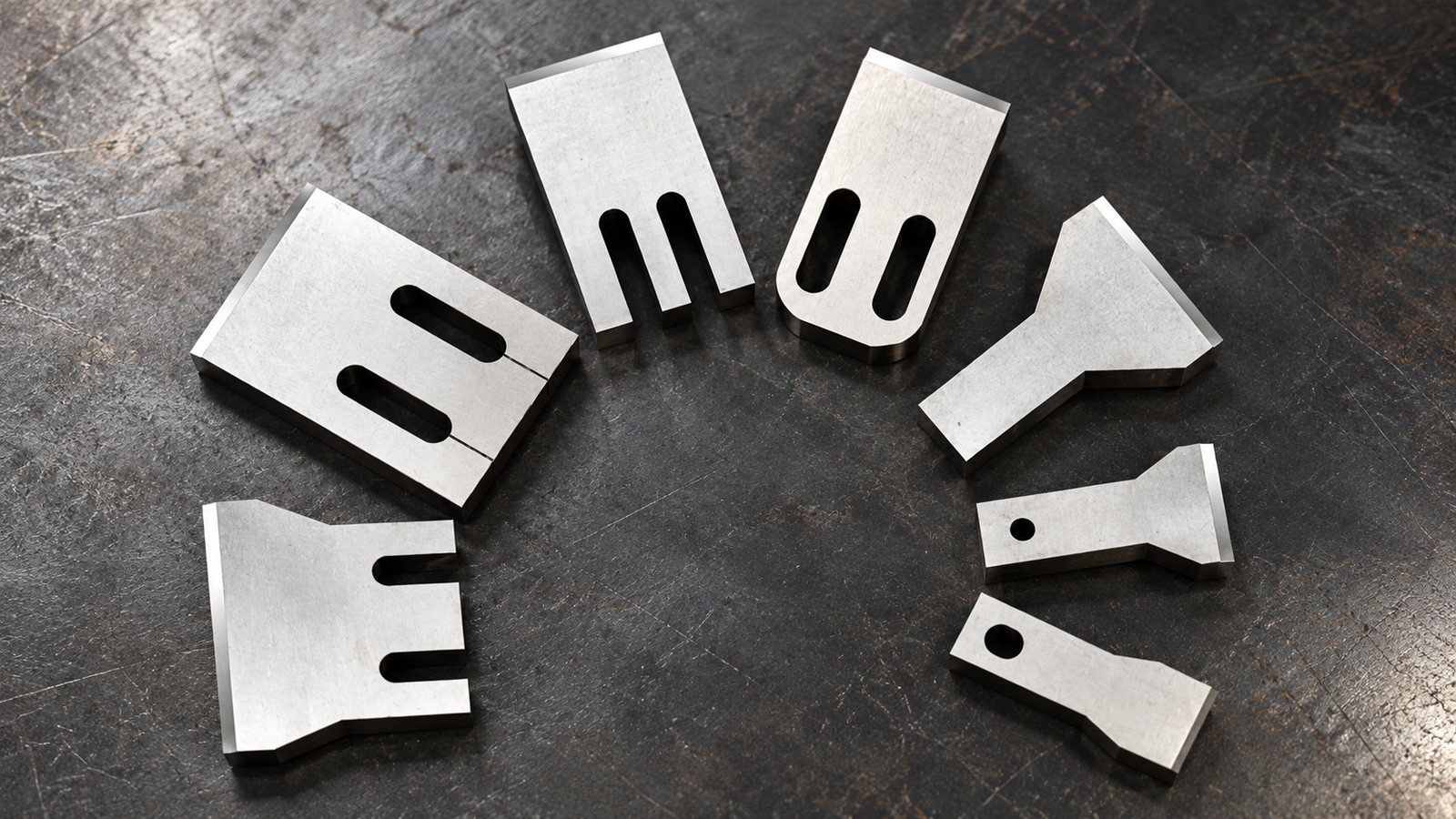
7 Common Causes of Uneven Plastic Flakes—and How to Fix Them
1. Dull or Chipped Crusher Blades
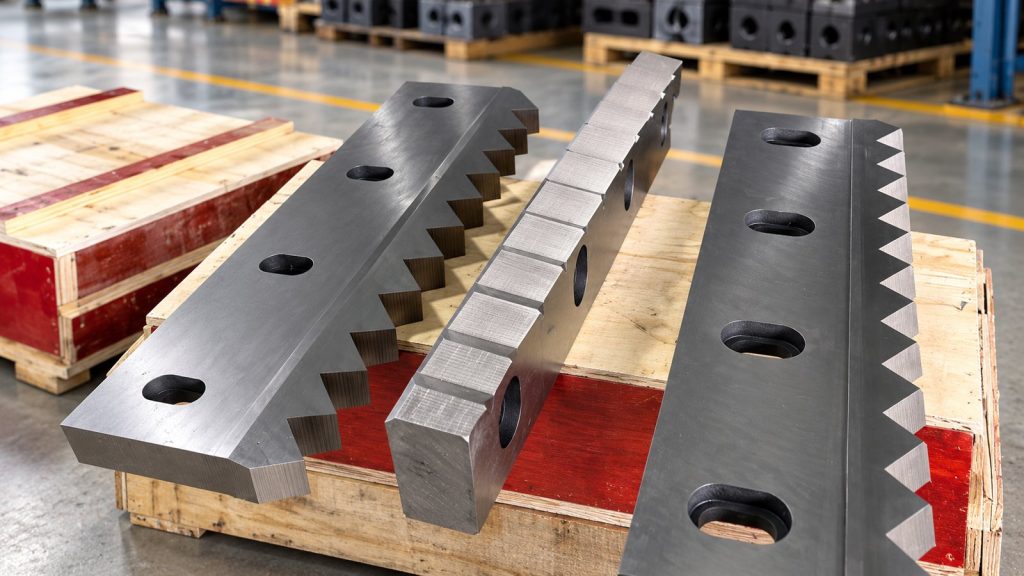
Plastic granulators normally cut between rotating rotor knives and stationary bed knives. When an edge rounds over or chips, clean shearing gives way to rubbing, tearing, and impact. Rigid plastics may fracture into irregular pieces, while flexible materials can stretch and form tails. Increased noise, heat, or motor load may appear at the same time.
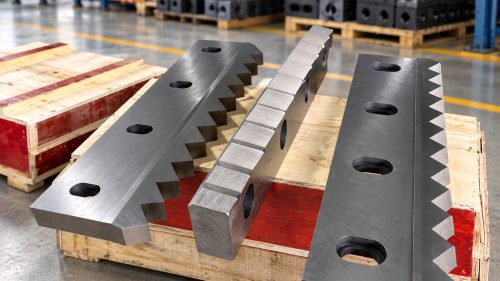
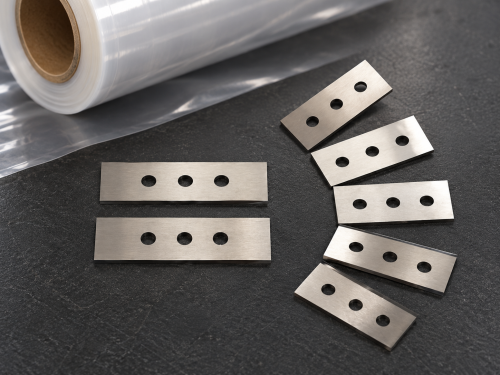
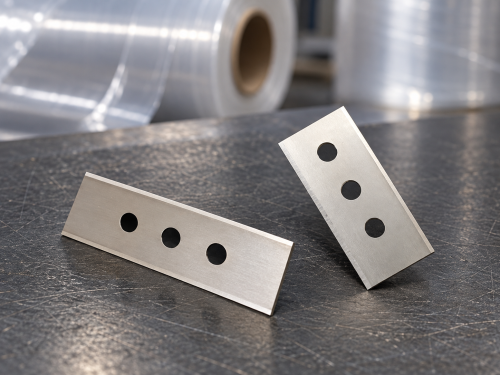
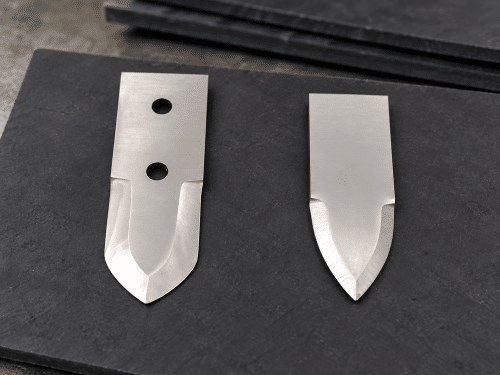
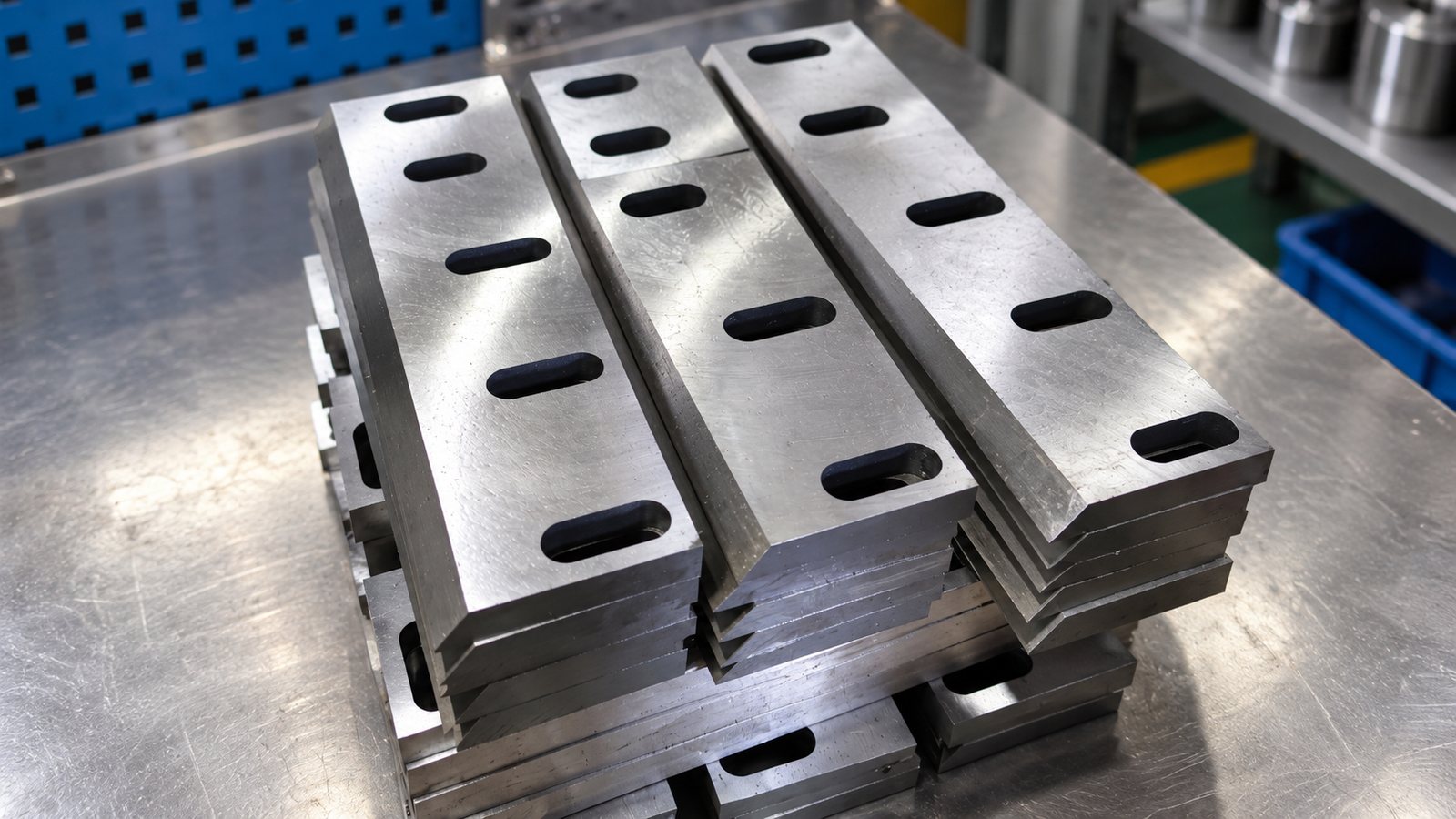
Solution: At a properly isolated machine, inspect every cutting edge for rounding, chips, and uneven wear. Sharpen within the blade maker’s allowable grinding limits, or replace damaged knives that cannot be restored. Recheck installation and knife clearance after regrinding; a sharp edge alone will not correct a poor setup. If replacement is necessary, match plastic crusher blades to the polymer, contamination level, blade drawing, and OEM machine requirements.
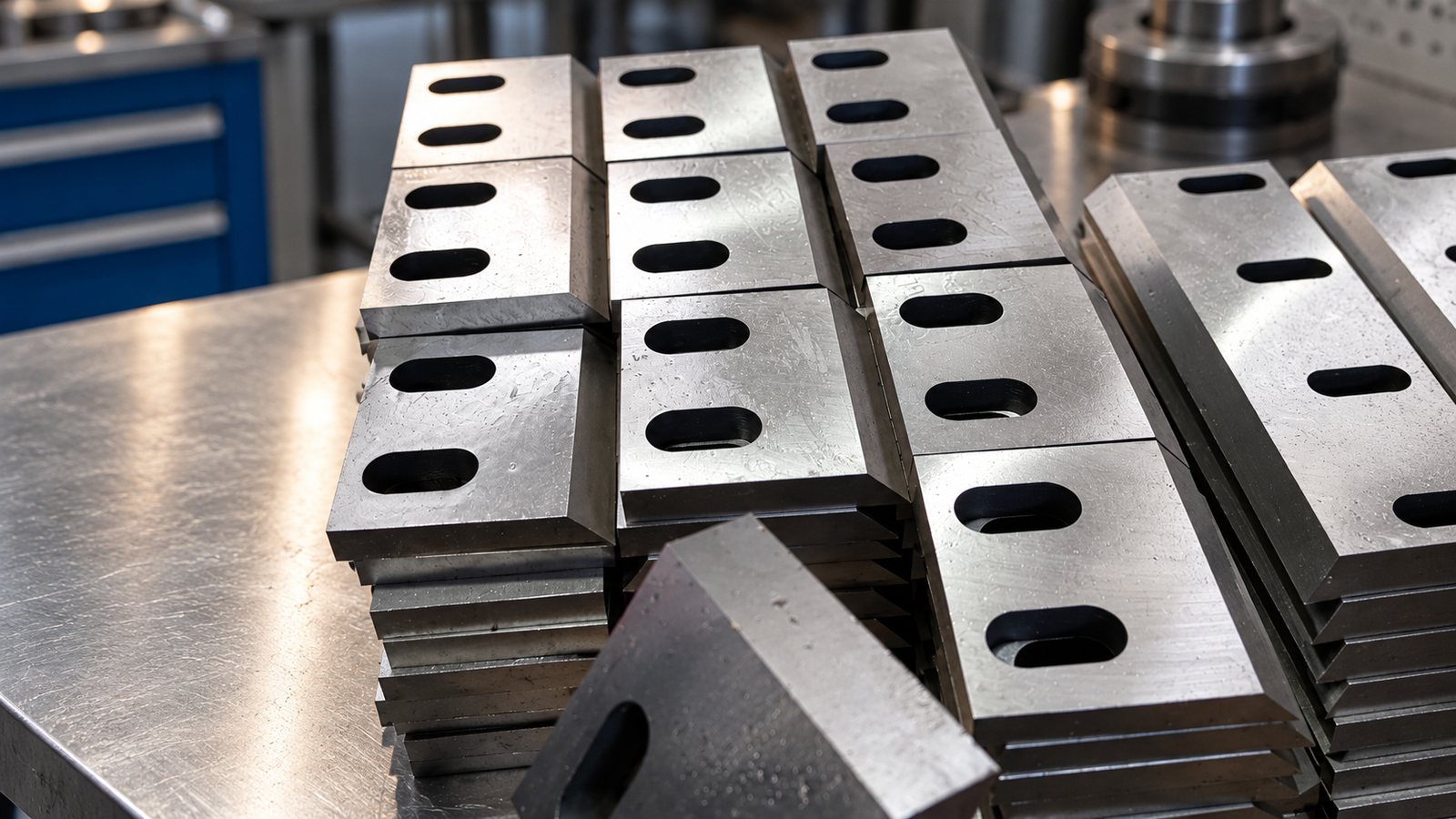
2. Incorrect Rotor-to-Stationary Knife Clearance
Knife clearance controls how the plastic shears. With too much clearance, thin or flexible pieces can fold and tear instead of being cut cleanly. With too little clearance, the knives may rub or contact each other as the rotor turns, risking heat buildup, edge damage, or excessive load. A nonparallel bed knife can create different cutting conditions across the chamber.
Solution: With the equipment locked out according to the manufacturer’s procedure, use the specified measuring method to check clearance at multiple positions and through the relevant rotor rotation points. Verify knife seating, bolt condition, and alignment. Reset to the machine-specific OEM specification rather than adopting a universal millimeter value from another model.
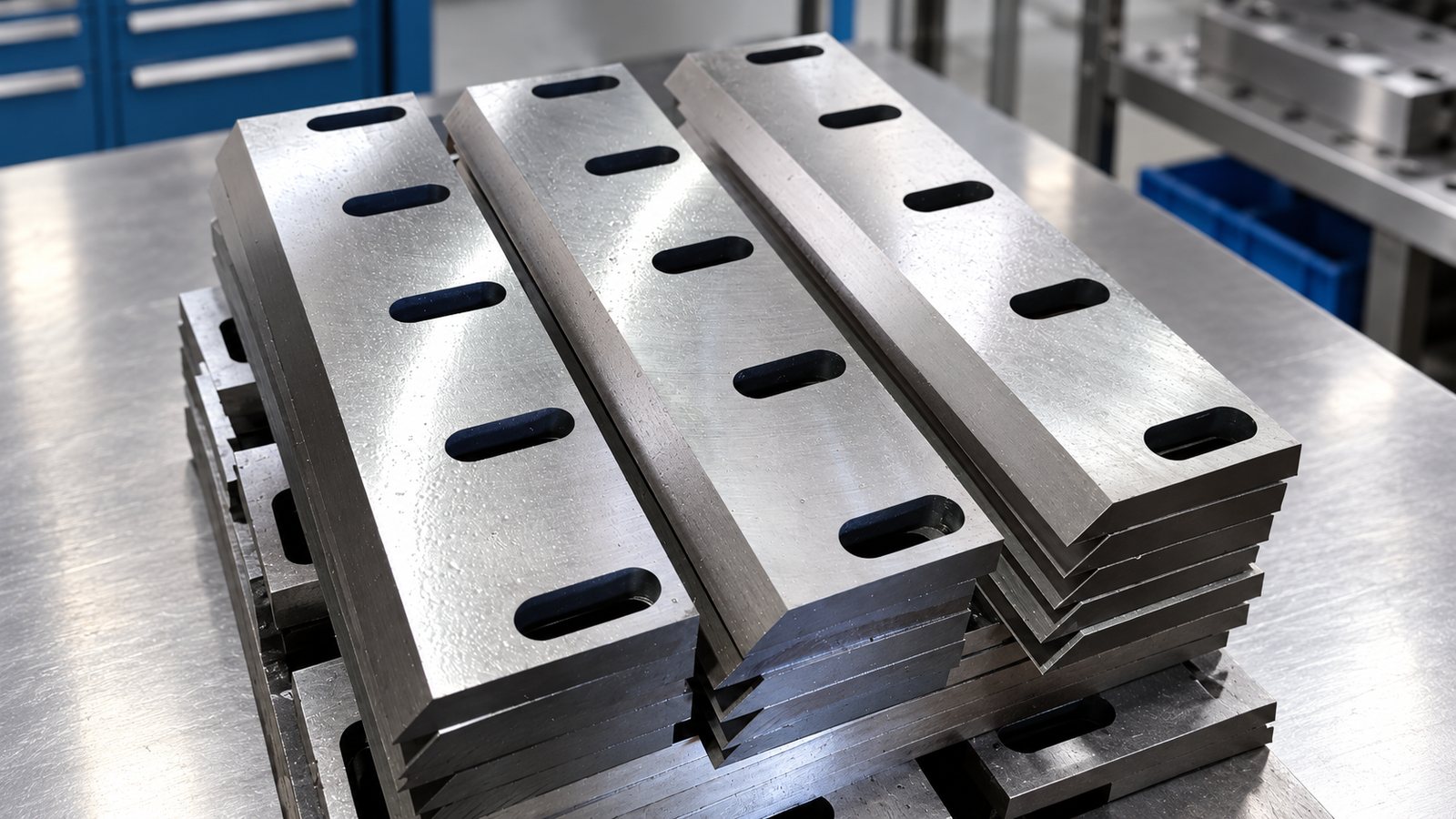
3. Worn, Broken, or Blocked Screens
In a screened granulator, flakes circulate until their shape and orientation allow them to pass through the screen. A cracked screen, enlarged openings, or gaps at its mounting points can release oversized pieces. Conversely, blocked openings keep material in the cutting chamber longer, causing additional cuts, extra fines, heat, and lower throughput.
Solution: Inspect the entire screen for cracks, elongated apertures, plugged holes, and poor seating. Replace damaged screens; clean blockages only after isolation. Confirm that the aperture size and open area suit the material and downstream flake specification. Do not reduce the opening size automatically—smaller holes can also increase recirculation and fines.
4. Unstable Feed Rate or Overloading
When thick purgings, thin bottles, and film arrive in irregular surges, the rotor experiences a changing cutting load. A crowded chamber may recirculate pieces unevenly or momentarily reduce cutting efficiency, particularly if the feed is larger or denser than the machine was designed to handle. Very light feeding can also change residence and discharge behavior.
Solution: Keep the hopper supplied at a steady, equipment-appropriate rate. Use metered conveyors or feed controls when available, and avoid charging oversized pieces into a small granulator. Compare motor-current trends and output quality at a stable feed rate before changing blade geometry.
5. Rotor Speed, Heat Buildup, and Excessive Recutting
Higher rotor speed is not always better. Depending on the machine and polymer, it may raise impact intensity, dust generation, temperature, and the number of ineffective cuts. Heat-softened film can smear or wrap around components; brittle plastics may break into too many fines. A restricted screen or poor discharge extraction can make the problem worse by keeping flakes in the chamber.
Solution: Check the machine’s permitted speed range, chamber temperature, discharge airflow, and screen condition. If the drive is adjustable, test one OEM-approved change at a time while recording throughput, fines, and motor load. Never change speed outside the manufacturer-approved limits.
6. Mixed Materials, Contamination, or Inconsistent Feed Shape
PET bottles, rigid HDPE containers, flexible PE film, and mineral-filled engineering plastics do not fracture in the same way. Combining them in one batch broadens the size distribution even when the knives are sharp. Dirt, grit, metal, and hard inclusions also accelerate edge wear or cause sudden chipping, which can quickly reduce flake consistency.
Solution: Where practical, separate material streams by resin, thickness, and feed form. Remove metal and abrasive contamination upstream using suitable sorting and detection systems. For mixed streams that cannot be separated, determine a realistic size specification and evaluate the blades and screen using that actual feed—not only a clean laboratory sample.
7. Oversized Upstream Shredder Output or Poor Stage Matching
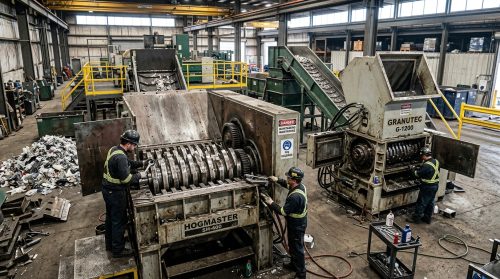
A primary shredder is designed to break bulky scrap into manageable pieces, but its output can be much less uniform than finished granulator regrind. Oversized chunks, long film strips, or inconsistent shredder feeding may overload the next cutting stage. The result can look like a granulator blade problem even when the underlying issue begins upstream.
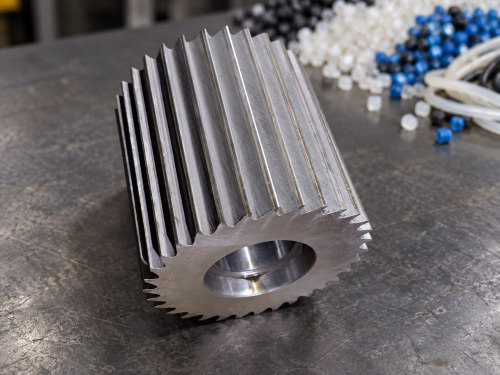
Solution: Sample material before it enters the granulator. If the upstream fraction is too coarse or stringy, examine the shredder’s cutter condition, discharge arrangement, and operating setup. Appropriately specified plastic shredder blades can support more consistent primary size reduction, but they do not replace the finer sizing function of the granulator screen.
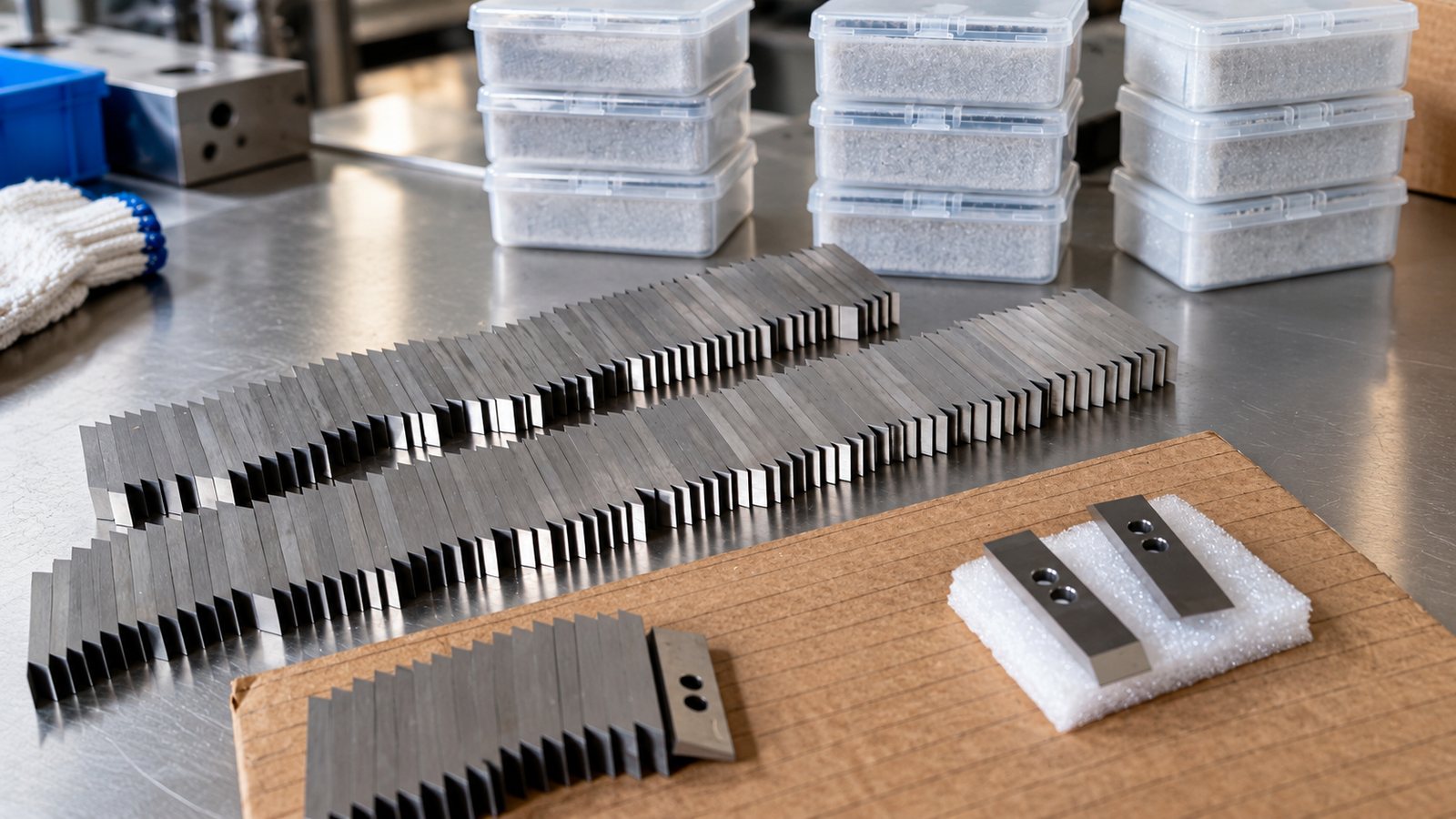
A Practical Troubleshooting Sequence for Recycling Plants
Rather than changing blades, speed, and screens simultaneously, use a controlled sequence so you can identify which action actually improves the flake-size distribution.
- Establish a baseline: Take a representative sample from a steady production period. Separate or sieve it into oversize, acceptable, and fines fractions; record their mass percentages.
- Check the input: Compare resin type, feed piece dimensions, contamination, and feed-rate stability against the last acceptable batch.
- Inspect the screen and discharge: During a planned shutdown with lockout/tagout, check for broken apertures, trapped material, poor mounting, and blocked discharge.
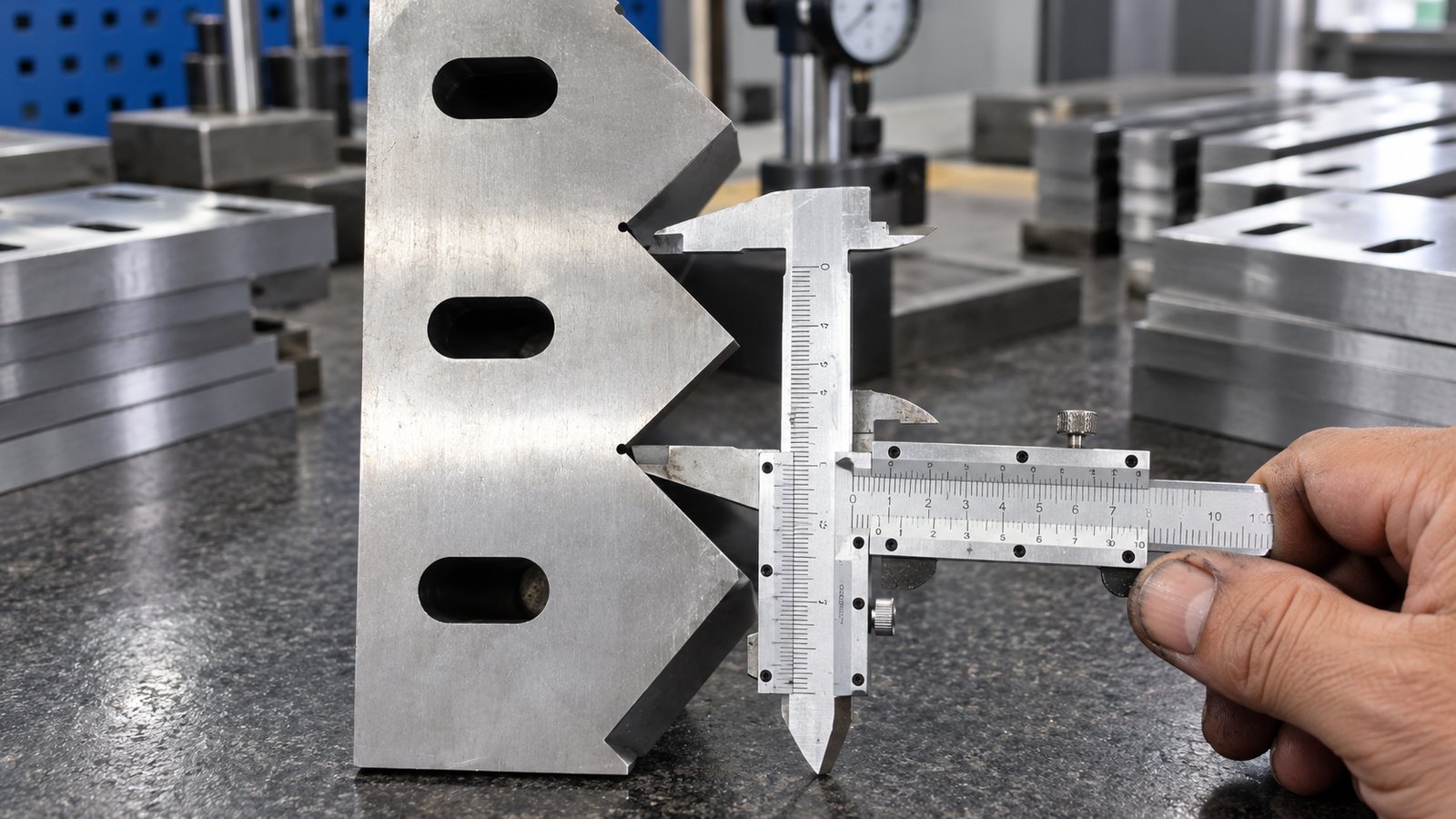
- Inspect knives and clearance: Look for dull or chipped edges, uneven wear, loose fasteners, and misalignment; measure to the OEM procedure.
- Restore a stable operating condition: Restart only after maintenance and safety checks, then hold material mix and feed rate consistent during a supervised test.
- Compare samples: Measure the same size fractions again, along with throughput, amperage, and chamber temperature. Change only one permitted variable at a time.
If the output improves immediately after knife service but degrades rapidly again, investigate abrasive contaminants, blade material suitability, mounting accuracy, or premature edge wear—not just sharpening frequency.
How to Prevent Flake-Size Variation Over Time
A reliable quality-control routine combines sampling with maintenance records. The important metric is not only the average flake dimension but also the percentage outside the downstream acceptance range. Track fines and oversize separately so an apparent improvement in one does not hide deterioration in the other.
- Set a measurable specification: Define accepted size fractions with the washing or extrusion team, rather than using “uniform flakes” as the only requirement.
- Use consistent sampling: Collect samples at the same process location under comparable throughput and material conditions.
- Trend cutting performance: Log blade-service dates, measured clearance, screen condition, motor current, and fines percentage.
- Plan blade maintenance: Check edge condition before output quality drifts out of tolerance; verify the setup after every knife change.
- Control the feed: Keep resin type, contamination, and upstream size reduction as consistent as the operation allows.
When Do You Need Different Recycling Blades?
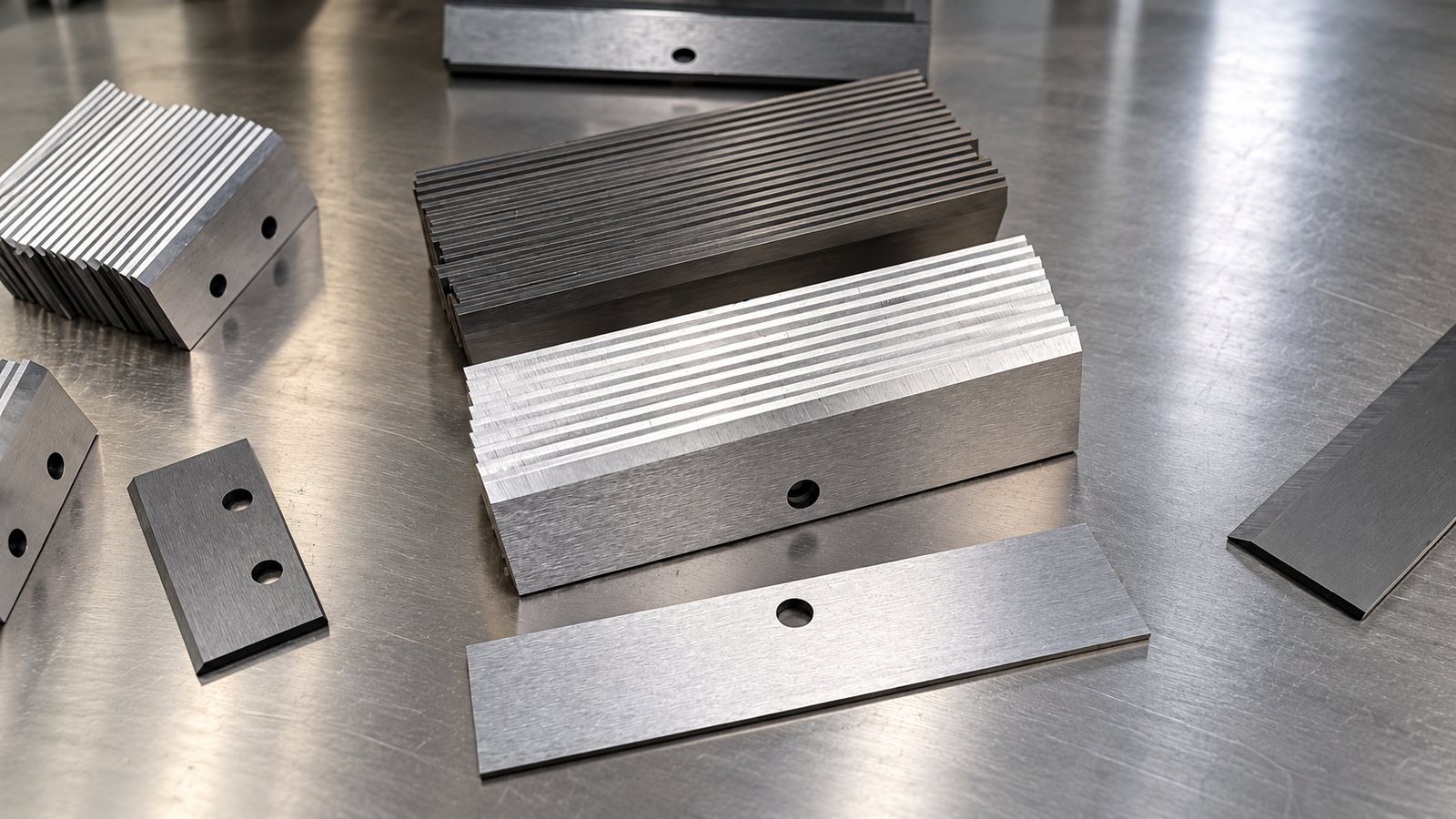
Replacing a screen or correcting a feed problem may solve an uneven-flake issue without buying knives. But blades should be reviewed when edge wear returns too quickly, the existing geometry tears flexible plastic, or the current steel cannot withstand the feedstock’s abrasion and impact.
For an accurate replacement recommendation, provide the machine make and model, rotor and bed-knife drawings or samples, polymer type, contamination details, current screen opening, and photos of both acceptable and defective flakes. YISHI’s plastic recycling blades range covers cutting components for shredding, granulation, and related recycling stages. The correct specification depends on the actual machine and cutting duty.
Frequently Asked Questions
Does a smaller granulator screen always produce more uniform flakes?
No. It generally limits which pieces can discharge, but may also increase residence time, repeated cutting, heat, and fines. An intact screen with the right aperture and adequate throughput is more useful than simply choosing the smallest opening.
Can sharp blades still produce uneven plastic flakes?
Yes. Incorrect clearance, poor parallelism, screen damage, mixed feedstock, or unstable feeding can produce a wide size distribution even with newly sharpened knives. Always verify the full cutting system.
Why are there long strips mixed with small plastic flakes?
Long strips often indicate flexible material being stretched rather than sheared, unsuitable knife clearance, or a screen/discharge issue. Check blade condition and setup first, then review material type and upstream shredding.
Should I replace the shredder blades or the granulator blades first?
Identify where the size variation begins. If oversized, stringy material is already coming out of the primary shredder, inspect that stage. If input to the granulator is consistent but final regrind deteriorates, investigate granulator knives, knife alignment, and screen condition first.
The Bottom Line
Uneven plastic flakes are a process symptom, not a diagnosis. Start with the actual particle-size distribution, then inspect the screen, cutting edges, knife clearance, feed consistency, and upstream size reduction in a controlled order. Addressing the verified cause helps produce more predictable regrind while avoiding unnecessary blade changes.
If knife condition or suitability is part of the problem, share your machine details, current blade dimensions, resin type, and flake samples with YISHI for a replacement-blade assessment.